
Services
Corporate Emails
Domain-based business email with admin control
I migrate and administer business mail for Lahore manufacturers, Dubai consultancies, and remote teams who need @yourdomain reliability without US-only support windows.

Your team should not negotiate deals from a free Gmail address when you already own a domain. I configure corporate email so every staff member sends and receives as name@yourfirm.com, with an admin console to create mailboxes, reset passwords, and assign shared aliases like sales@ or support@ without calling a helpdesk script.
Through AzAd Workspace and similar deployments I migrate organizations off legacy cPanel mail, Google Workspace, or scattered forwarding rules onto consolidated domain hosting with webmail, IMAP for Outlook and Apple Mail, and optional CRM hooks. Authentication records—SPF, DKIM, DMARC—are aligned and documented so legitimate mail passes filters and forged senders get rejected.
Migration is planned, not improvised. I inventory existing mailboxes, run parallel sync where needed, schedule cutover windows that respect your business hours in Lahore or Dubai, and verify mobile profiles before decommissioning old servers. Ongoing administration can stay with your IT lead using the admin panel I configure, or with me on a retainer for new hires and departures.
Security hygiene is built in: strong password policies, optional MFA where the platform supports it, and clear offboarding steps when staff leave so old accounts stop receiving confidential threads. I also document which third-party tools may send as your domain—CRMs, ticketing, newsletters—so SPF and DKIM stay aligned as your stack grows.
Professional email is often the first impression in a Gulf or South Asia business relationship; I make sure hello@yourfirm.com lands cleanly in Outlook and Gmail inboxes before your sales team starts outreach.
Who this is for
- Small and mid-size firms moving to professional domain email for the first time
- Schools and NGOs needing role mailboxes for admissions, fees, and principal office
- Teams leaving inconsistent forwarding setups or expired hosting mail accounts
- Organizations that want Pakistani or UAE business hours support from the same engineer who built the stack
- Family businesses formalizing email on their domain before expanding sales outreach
- Remote teams needing shared aliases like billing@ and support@ with clear admin ownership
Who this is not for
- ×Mass marketing blast infrastructure—see Bulk Emailing for outbound pipelines
- ×Enterprises requiring Microsoft 365 E5 compliance suites with legal hold at thousands of seats
- ×Users satisfied with personal @gmail.com and no brand requirement
Deliverables
Featured Projects
AzAd Workspace
www.azadworkspace.com
Mail hosting platform with domain management, mailbox administration, and secure business communication.
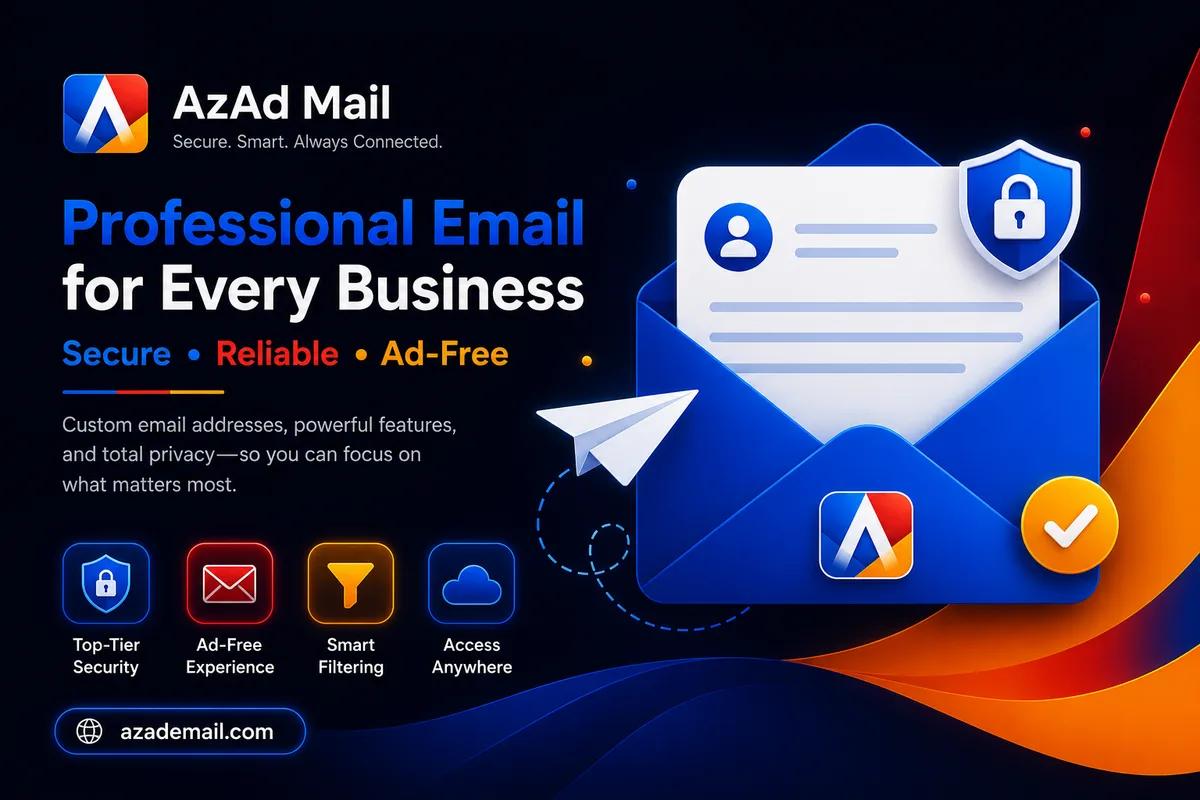
AzAd Mail
www.azademail.com
Secure webmail for daily business operations with inbox organization and team-ready access.
How I work
Step 1: Mailbox audit
I list current addresses, forwards, and legacy passwords, then agree the target structure before touching DNS, including shared mailboxes versus named users.
Step 2: DNS & authentication
MX, SPF, DKIM, and DMARC go live with verification tools so external mail starts routing correctly, with screenshots archived for your IT records.
Step 3: Parallel sync
Existing mail copies into new mailboxes while users keep working until a agreed cutover moment.
Step 4: Client configuration
I provide step-by-step mobile and desktop setup; optional screen-share for executives who want hands-on help.
Step 5: Admin handover
Your designated admin receives console access, a cheat sheet, and escalation path for deliverability questions, including sample DNS records and mailbox naming conventions for future hires.
Tools and stack
AzAd Workspace mail hosting
Integrated admin, webmail, and CRM adjacency for AzAd platform clients
IMAP / SMTP / ActiveSync
Standard protocols so Outlook, Apple Mail, and phones connect without exotic plugins
Roundcube / SnappyMail webmail
Browser access when traveling without configuring a desktop client
DNSSEC-aware DNS panels
Reliable publication of TXT records for DKIM and DMARC alignment
Admin audit logs
Trace who created or suspended mailboxes during staff changes
Frequently asked questions
Yes. I export mail over IMAP, map users, and schedule DNS cutover once spot checks pass.