
Services
Bulk Emailing
High-volume email infrastructure for campaigns and transactions
I tune bulk pipelines for SaaS products sending globally, with provider regions chosen for latency to UAE and South Asia recipients and compliance with unsubscribe expectations in EU and Canadian lists.
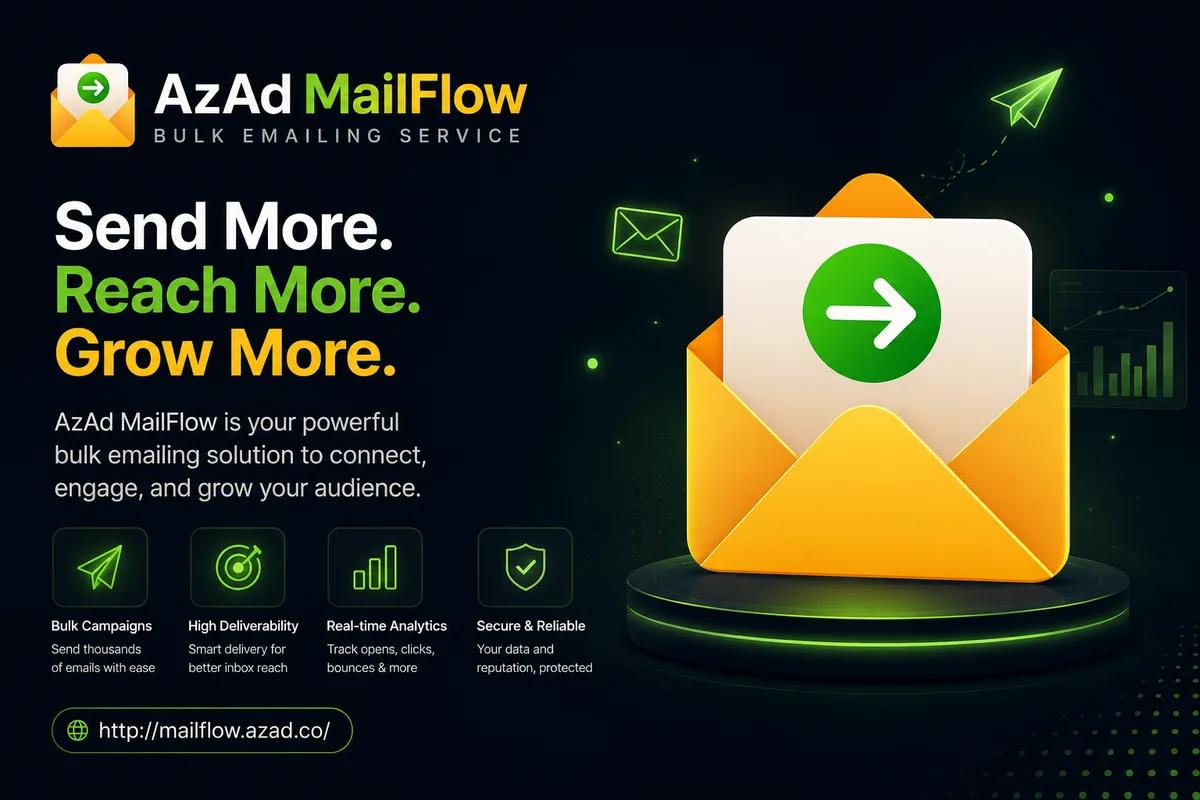
Bulk emailing is not about buying a bigger Send button—it is about moving thousands or millions of messages through infrastructure that respects recipient providers, handles failures gracefully, and tells you exactly what happened to each batch. I build outbound systems where your application fires events, a queue absorbs spikes, and workers deliver with retries, backoff, and suppression lists that stay synchronized.
My work in this lane powers password resets at scale, nightly report digests, marketing campaigns with audience segmentation, and webhook-driven automations inside AzAd MailFlow and related products. I separate transactional traffic from promotional streams so a newsletter spike never throttles your receipt emails, and I wire SNS or provider callbacks so hard bounces and complaints automatically disable bad addresses.
If you are outgrowing SMTP plugged directly into WordPress or a single cron job that times out at 500 recipients, I redesign the path: authenticated APIs, idempotent job IDs, dashboard visibility, and rate limits tuned to your provider quota. Deliverability guidance—SPF alignment, dedicated subdomains, warm-up plans—is part of the engineering conversation, not a separate upsell brochure.
Reporting is honest: sent, deferred, bounced, complained, opened, clicked—each metric tied to batch IDs you can trace back to a user signup or campaign name. When something spikes, I want you to pause a tenant or throttle a domain from the dashboard without SSH access to a black box server.
I treat email infrastructure like any other production service: structured logs, alert thresholds, and runbooks your on-call engineer can follow at 2 a.m. without guessing which Redis key holds the suppression list.
Who this is for
- SaaS products sending transactional mail that must survive Black Friday traffic
- Marketing teams needing segmented campaigns with unsubscribe and bounce hygiene
- Platforms white-labeling email delivery for their own customers
- Developers replacing fragile cron scripts with a real queue and observability
- EdTech and workspace products triggering lifecycle emails on trial expiry or invoice events
- Fintech and membership apps sending receipts, OTPs, and renewal notices at predictable volume
Who this is not for
- ×Purchased mailing lists or campaigns without opt-in consent
- ×One-off 'blast 50 emails' tasks better handled in Gmail
- ×Organizations that only need five mailboxes on a domain—see Corporate Emails instead
Deliverables
Featured Projects
AzAd MailFlow
mailflow.azad.co
High-volume transactional and campaign email delivery with queue management and delivery tracking.
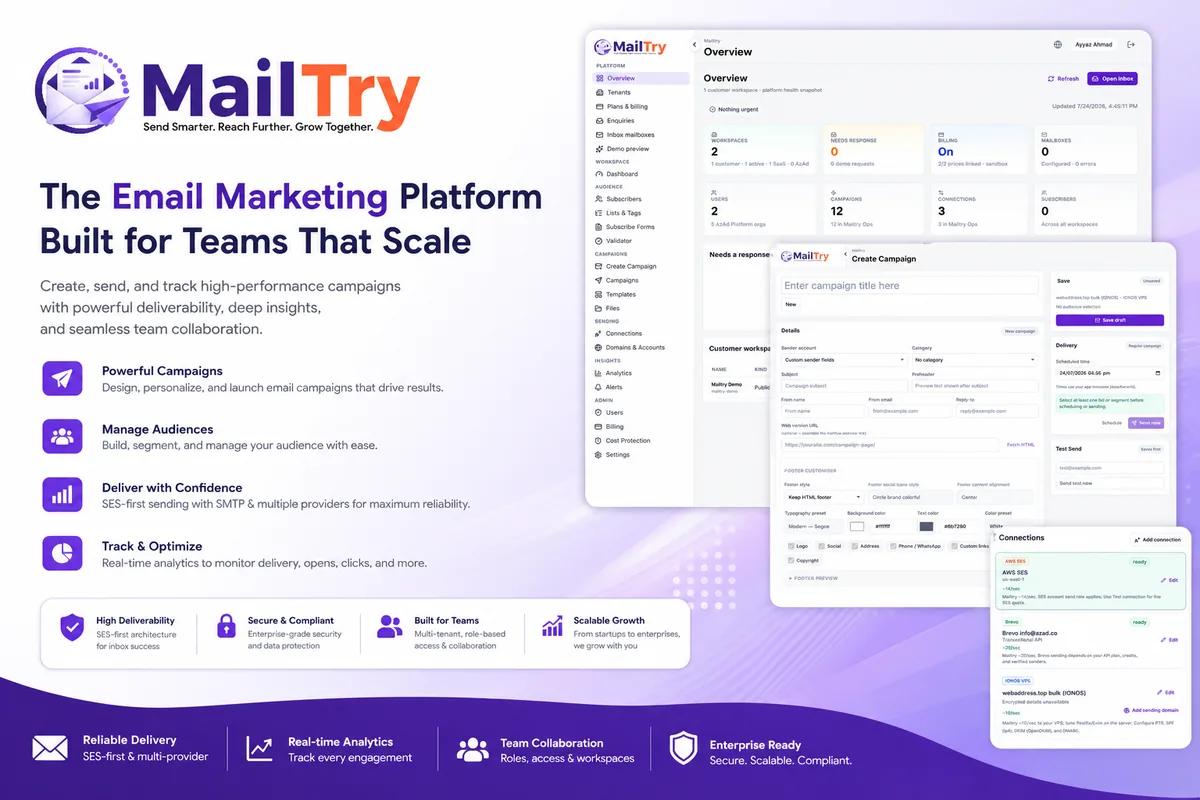
MailTry
mailtry.app
Email marketing for scaling teams — create campaigns, manage audiences, and track delivery, opens, and clicks.

AzAd Workspace Mail Services
www.azadworkspace.com
Managed business mail infrastructure for domains, teams, and production-grade delivery workflows.
How I work
Step 1: Traffic classification
I catalog transactional, lifecycle, and marketing streams so each gets appropriate domains, templates, and rate policies, documented in a traffic matrix your team can reference when adding new email types.
Step 2: Queue & worker design
Events become durable jobs with explicit IDs; workers scale horizontally without double-sending on retries, using idempotency keys your application can safely replay after timeouts.
Step 3: Feedback loops
Provider webhooks update suppression tables in near real time and surface anomalies on a monitoring view.
Step 4: Load & failure drills
I simulate provider throttling and partial outages to verify backoff and alerting before production traffic.
Step 5: Handoff & tuning
You receive API docs, dashboard access, and a throttling cheat sheet aligned to your list size and provider caps, plus example curl calls and webhook payloads for your backend team.
Tools and stack
Amazon SES / SMTP relays
Cost-effective high-volume delivery with programmatic bounce notifications
Cloudflare Queues & Workers
Edge-adjacent workers that dequeue sends without maintaining RabbitMQ servers
D1 / KV suppression stores
Fast lookups to block complainers and hard bounces before the next campaign
Handlebars / MJML templates
Maintainable HTML email layouts tested across major clients
Open tracking & click redirects
Optional engagement metrics with privacy-conscious configuration
Frequently asked questions
Corporate email gives humans inboxes like hello@yourfirm.com. Bulk emailing moves automated high-volume outbound through queues and APIs—different infrastructure, different problems.